


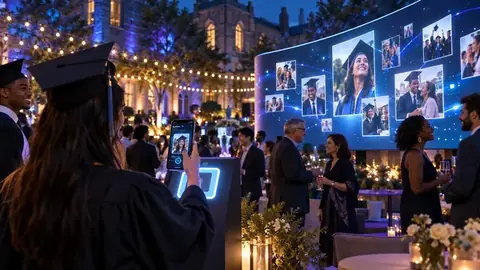


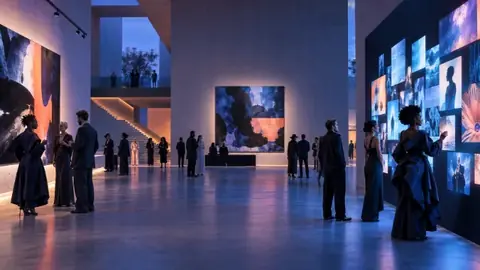
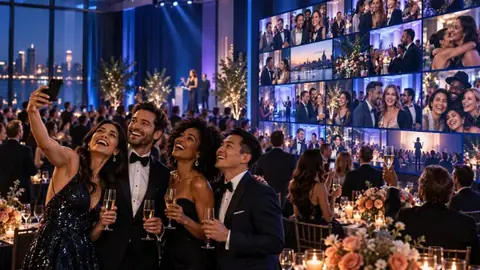

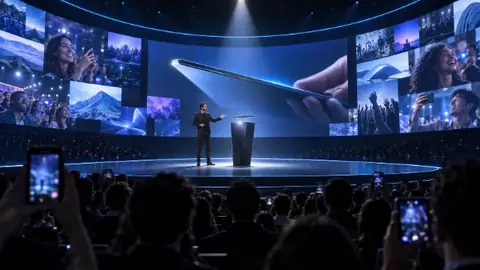
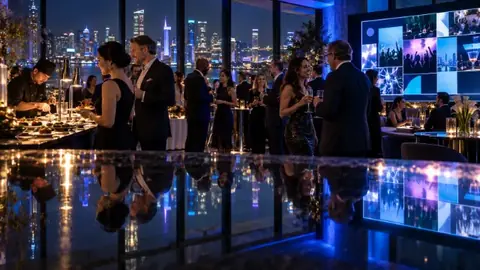

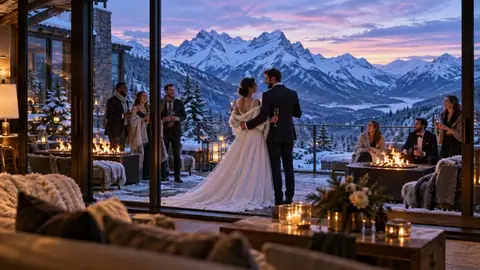
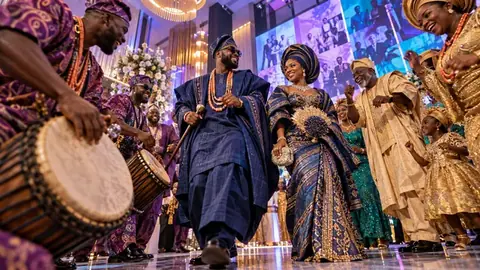



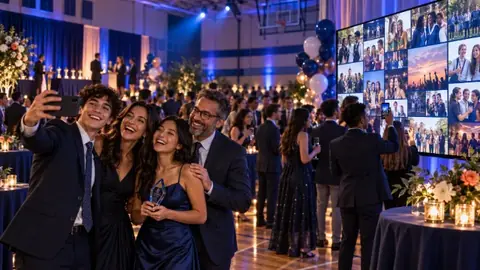

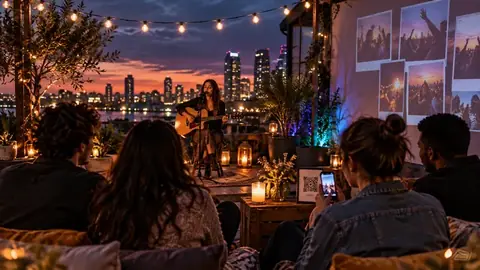
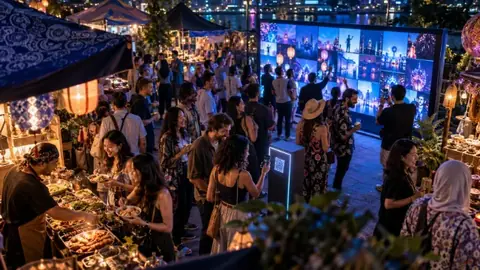
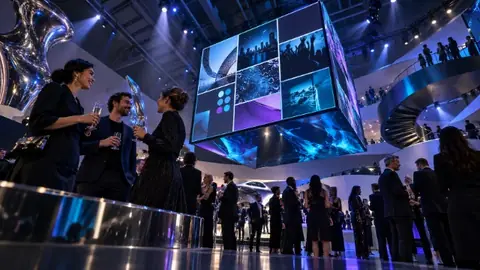

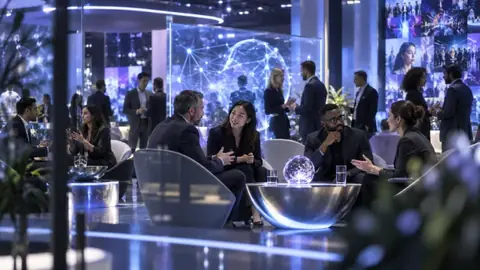




Change how the wall looks at any time, even during the event. Open walls update within 10 seconds.
Pick a theme
- Open your event and go to Look & feel → Wall Theme.
- Choose one of the Themes: Midnight, Canvas, Neon, Minimal, Sunset, Ocean, Garden, Rose Gold, Aurora or Noir.
- Or choose a Brand template (Brand Classic, Gala, Corporate, Polaroid, Glow, Ribbon, Spotlight, Gallery, Edge, Soft or Festival) to use your own logo and colours. See Add your logo and colours.
- Click Save Theme.
Pick a layout
- Under Photo Layout, choose:Auto (recommended): changes layout every 12 minutes so the wall stays fresh.Template's layout: the layout designed for your theme.Grid, Bento, Photo shapes or Spotlight.
- Leave Show each newly approved photo big for a few seconds ticked for a moment of spotlight on every new post.
- Click Save Layout.
Tip
Dark themes (Midnight, Neon, Noir) look best on projectors and in dim rooms. Light themes (Canvas, Minimal) suit daytime events and bright rooms.