




















Launch offer30% off your first plan with codeEnds Nov 18See pricing
PixloudPixloud

The live wall

Add your logo and colours (Brand templates)

1 min read · Updated October 4, 2026

On this pageAdd your brand

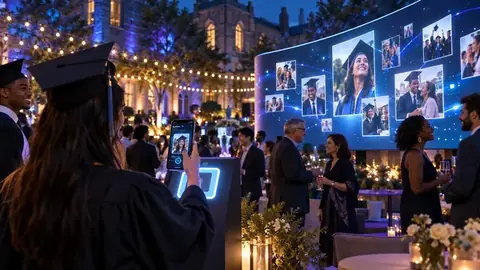
Brand templates put your logo and colours on the wall. They're ideal for corporate events, launches and weddings with a colour scheme.

Add your brand

  1. Open your event and go to Look & feel → Wall Theme, choose a Brand template and click Save Theme.
  2. Under Your Brand, upload your Logo (PNG, JPG or WebP, up to 2 MB). A logo with a transparent background looks best.
  3. Choose a Background color and an Accent color, or click Pick colors from my logo to have them chosen for you.
  4. Click Save Brand.
Note

Your brand settings only show when a Brand template is selected. The standard themes use their own colours.

Tip

To remove the logo later, click Remove logo, then Save Brand.

Related guides

Still need help?

Real people, usually within a working day, and much faster during live events.

Ready for your next event?

Set it up in minutes. Your first 25 photos are free.

The live wall

Add your logo and colours (Brand templates)

1 min read · Updated October 4, 2026

On this pageAdd your brand

Brand templates put your logo and colours on the wall. They're ideal for corporate events, launches and weddings with a colour scheme.

Add your brand

  1. Open your event and go to Look & feel → Wall Theme, choose a Brand template and click Save Theme.
  2. Under Your Brand, upload your Logo (PNG, JPG or WebP, up to 2 MB). A logo with a transparent background looks best.
  3. Choose a Background color and an Accent color, or click Pick colors from my logo to have them chosen for you.
  4. Click Save Brand.
Note

Your brand settings only show when a Brand template is selected. The standard themes use their own colours.

Tip

To remove the logo later, click Remove logo, then Save Brand.

Related guides

Still need help?

Real people, usually within a working day, and much faster during live events.

Ready for your next event?

Set it up in minutes. Your first 25 photos are free.