

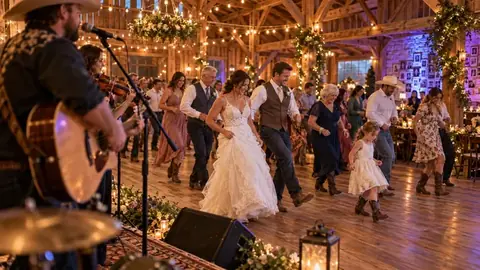
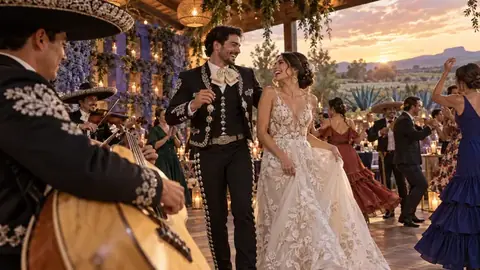
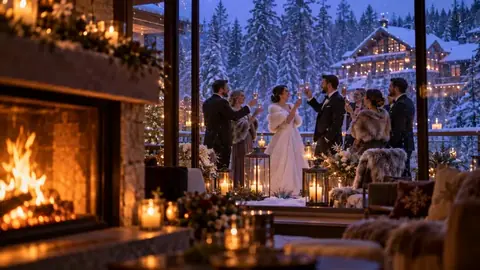


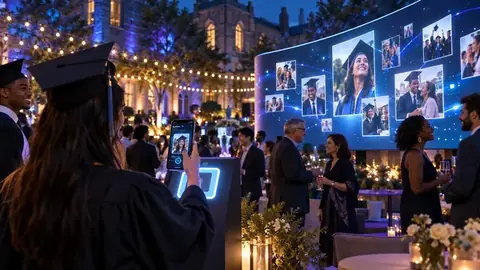
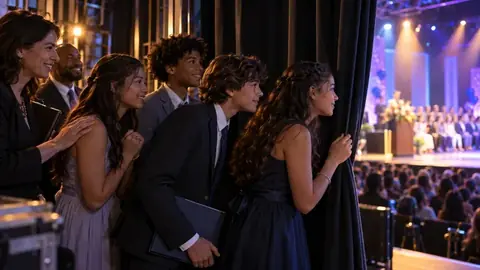

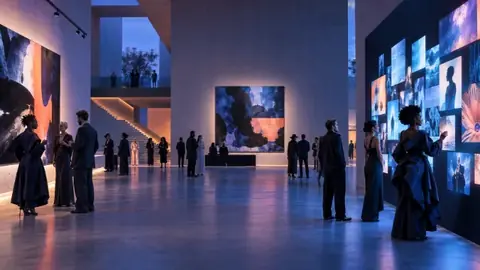


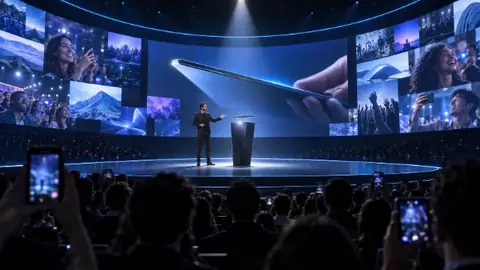




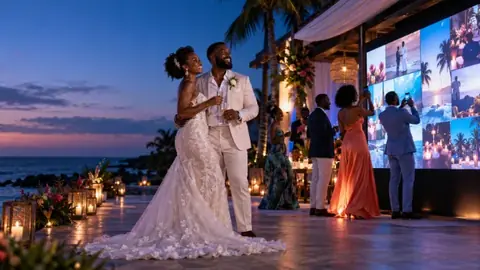


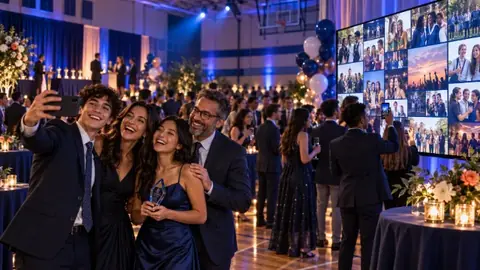








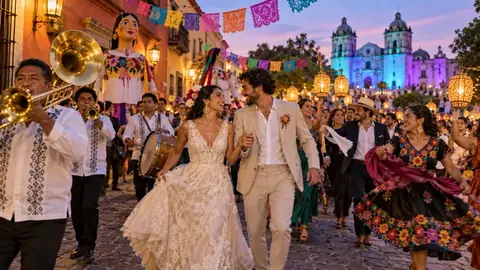
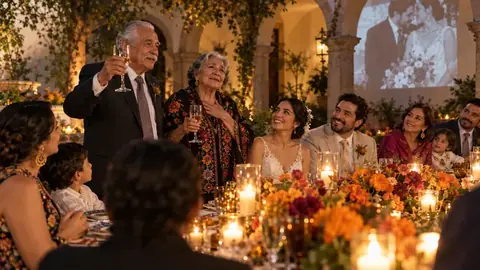
Moments turns your best approved photos into a short highlight video with music, ready to share. It's included with Signature and monthly plans.
Make your recap
- Open your event and go to the Afterwards tab.
- Under Moments Recap, choose a Video length: 1, 2, 3 or 5 minutes.
- Choose Background music: one of 10 tracks (such as Golden Hour, First Dance, Celebrate or Big Night), My own music (MP3, M4A, WAV or OGG, up to 15 MB), or No music.
- Click Generate Moments Recap. It takes a few minutes; you can leave the page.
Share it
When it's ready you can Download MP4, share straight to WhatsApp, Facebook, X, LinkedIn or email, Copy link, or Open share page. The share link works for 30 days, so download the MP4 to keep it.
Try another version
Click Regenerate Recap to try a different length or song. You can make up to 10 recaps per event; failed attempts don't count.
Tip
The recap picks the sharpest, most varied photos and gives every guest a fair turn, so approving plenty of photos gives the best result.